Jenkins pipeline with git-lfs
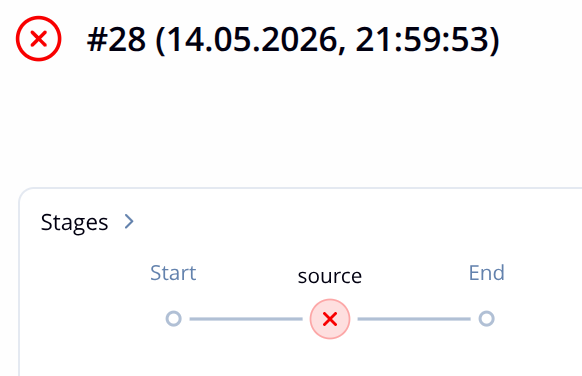
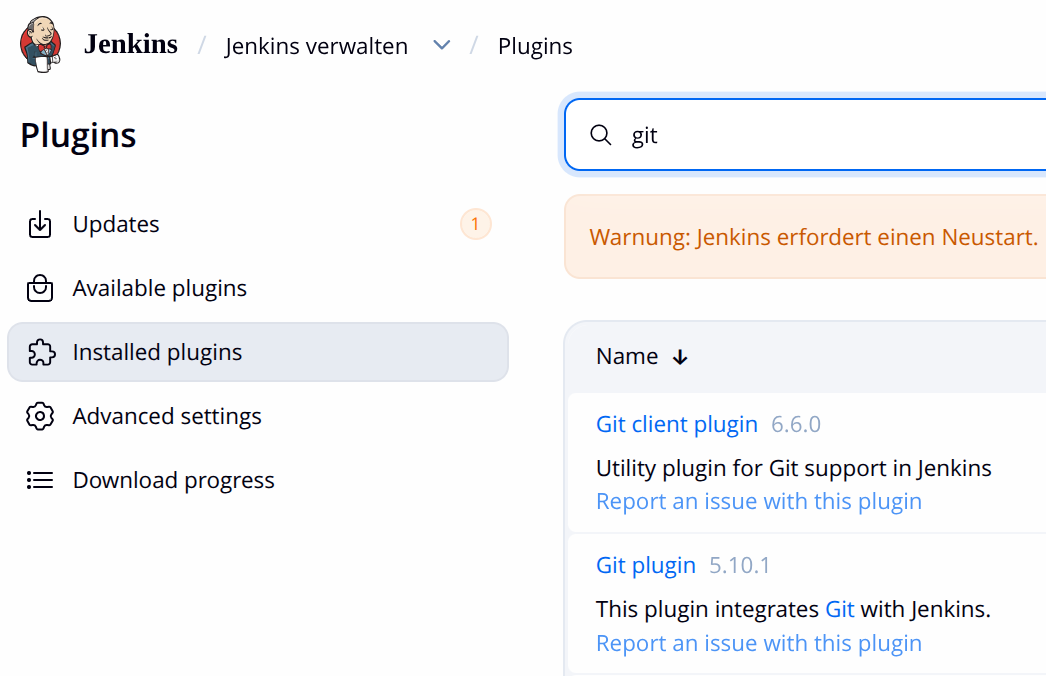
Stage number one of a typical Jenkins pipeline: checking out source. How do I do that when my version control system is git.1. install git plugin
- Jenkins -> Job -> Pipeline Syntax -> Snippet Generator

- copy & paste it into your pipeline script
1
2
3
4
5
6
7
8
checkout([
 $class: 'GitSCM',
 branches: [[name: '*/develop']],
 extensions: [
     [$class: 'GitLFSPull'] // This ensures LFS binaries are pulled
 ],
 userRemoteConfigs: [[url: 'https://github.com/bigstack-oss/cubecos.git']]
])
In a simple use case things work perfectly. It’s also true when I change url to ssh + credential. On top of these, adding submodules also works. All is good until LFS shows up. After enough trial and error I have got a combo that works on some nodes; however not all.
1
2
3
4
5
6
7
8
9
10
11
12
13
14
15
16
17
18
19
20
21
22
23
24
25
26
27
28
29
checkout([
 $class: 'GitSCM',
 branches: [
     [name: "${GIT_BRANCH_NAME}"]
 ],
 browser: github('https://github.com/bigstack-oss/'),
 extensions: [
     [$class: 'GitLFSPull'],
     [
         $class: 'RelativeTargetDirectory',
         relativeTargetDir: "${PROJ_NAME}"
     ],
     [
         $class: 'SubmoduleOption',
         disableSubmodules: false,
         parentCredentials: true,
         recursiveSubmodules: true,
         reference: '',
         trackingSubmodules: false
     ]
 ],
 submoduleCfg: [],
 userRemoteConfigs: [
     [
         credentialsId: 'repo-privkey',
         url: 'git@github.com:bigstack-oss/cubecos.git'
     ]
 ]
])
The whole debug journey is even now a big mess that I can barely keep all details straight. Nonetheless, I have come to a point and realize that relying on the Jenkins git plugin alone is not robust enough to handle git-lfs. Additional bash scripts are involved to get the job done. Below is a working version for me that functions on all nodes (of different OSes)
1
2
3
4
5
6
7
8
9
10
11
12
13
14
15
16
17
18
19
20
21
22
23
24
25
         dir("${SRCPTH}") {
             checkout scmGit(
                 branches: [[name: "${GIT_BRANCH_NAME}"]],
                 userRemoteConfigs: [[
                     url: 'https://github.com/bigstack-oss/cubecos.git'
                 ]]
             )
             sh '''
 # 1. Standard LFS init
 git config --unset core.hooksPath || true
 git lfs install --local

 # 2. Update submodules first
 git config submodule.hex.url https://github.com/bigstack-oss/hex.git
 git submodule update --init --recursive

 # 3. Pull LFS objects for the root repo AND all submodules
 # This command pulls LFS objects for everything defined in the index
 git lfs fetch --all
 git lfs checkout

 # 4. Specifically ensure submodules have their LFS objects checked out
 git submodule foreach 'git lfs install --local && git lfs pull'
'''
         }